Activate your UTS College email
Email is our primary communication channel during your study at UTS College, so it’s important to activate your email as soon as possible.
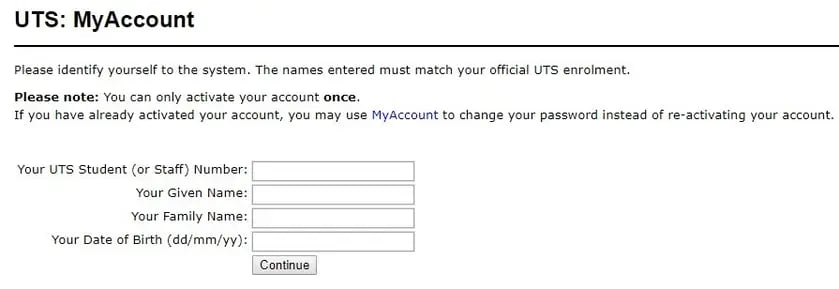
In order to complete the enrolment process, first activate your UTS College Email account by entering your:
- 8-digit Student ID Number (refer to your Letter of Offer)
- Given and family names
- Date of birth in the correct format (dd/mm/yy).
As a new student, you will need to select a password before clicking on the "Activate your Account" button. To Your password must be 8 to 16 characters long. It can contain letters, numbers and symbols and it must contain at least one of each.
When you have successfully activated your account you will see a confirmation that your account has been activated and you will see your e-mail address.